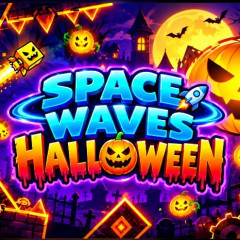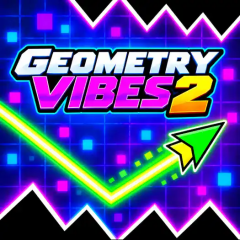
Space Waves Halloween retains the familiar zigzag flight path while embracing a distinct Halloween aesthetic, bathed in a mysterious and enchanting shade of purple.
What sets this game apart from the standard Wave Race style is its immersive Halloween atmosphere, paired with a diverse range of levels:
Halloween-Themed Environment: The graphics are draped in a magical, moonlit purple palette. The landscape is scattered with unique skull motifs, and the progress bar features a vibrant pumpkin icon. Spiked obstacles are designed in an array of eye-catching colors. At the end of each level, you must reach a glowing pumpkin to advance to the next stage.
Extensive Level System: The game is divided into distinct levels with progressively increasing difficulty and a clear completion percentage, allowing players to conquer a series of intense, geometry-based challenges.
To master the flight path of your arrow and weave through colorful spiked traps within this mystical Halloween setting, you must grasp the fundamental controls and learn to adapt your approach to various situations:
Use any of the following inputs to steer the arrow's zigzag trajectory:
The arrow can travel right along the ceiling or the floor, provided there are no obstacles in the way. When obstacles appear, you must use the control keys flexibly to guide the arrow through them safely.
Apply the following tactical maneuvers to maintain a safe rhythm and achieve the highest possible level completion rate: