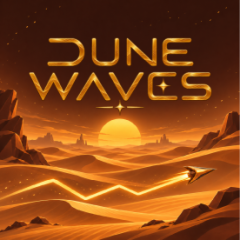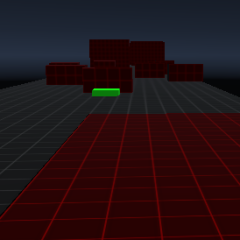
Dune Waves is a game that puts you in control of a flying object within the mysterious desert universe of Dune. Guide your blade as it soars through each level.
The game puts your lightning-fast reflexes to the test as you navigate your flying icon through narrow corridors and past treacherous spiked traps, all while progressing through compelling story-driven chapters.
From the main menu, Dune Waves offers three distinct game modes for players to challenge themselves:
Dune Waves offers players the freedom to personalize the appearance of their control icon via the Skin section and the in-game shop, featuring three detailed categories for customization.
| Customization Category | Detailed Description |
|---|---|
| Trail Effects | Change the light trail stretching behind your icon as it moves, ranging from the default desert gold beam to sparkling particles, water droplets, rainbow streaks, or unique energy waves. |
| Icon / Ship Shapes | Unlock dozens of designs inspired by the Dune universe and sci-fi themes, including the Crysknife dagger, spaceships, mechanical devices, shooting stars, and mystical emblems. |
| Color Palette | Freely customize the colors of your icon with a wide selection of solid tones and striking gradients. |
The control mechanism demands absolute rhythm and precision:
Moving diagonally upward: Hold down the left mouse button to propel the dagger diagonally upward at a 45-degree angle.
Moving diagonally downward: Release the mouse button to cause the dagger to immediately shift direction and move diagonally downward.
Tips for beating the levels: Utilize the floor and ceiling surfaces to slide the dagger horizontally, building up momentum. Then, maintain a steady, rhythmic pattern of clicking and releasing when navigating through steep tunnels or dense clusters of sharp spikes to reach the glowing red exit portal at the end of each level.
If you enjoy mastering the rhythmic wave controls and dodging deadly spiked traps in Dune Waves, jump into Space Waves Halloween to test your reflexes across spooky cosmic levels filled with eerie obstacles and thrilling speed!