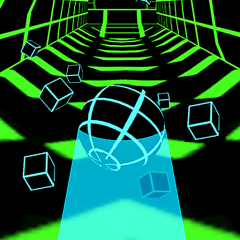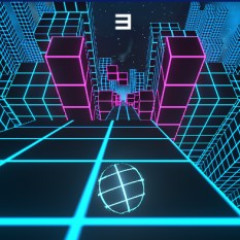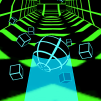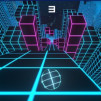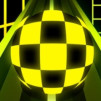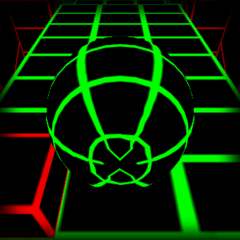
Wave Race is a game where you guide a wave through obstacle-filled tunnels. Hold and release the mouse to ensure the wave avoids hitting any obstacles.
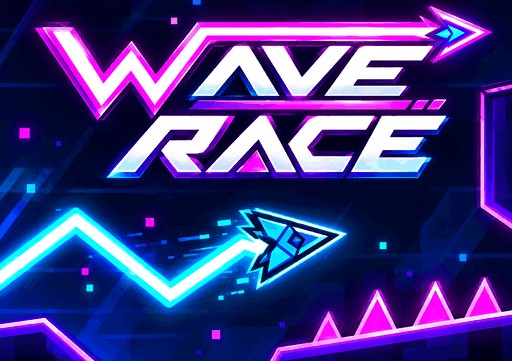
Wave Race offers a diverse customization system, allowing you to alter the wave's appearance and unlock various colors and trail effects to create your own unique style on the track.
Beyond the challenges on the track, Wave Race features a customization area with numerous options to change the wave's look. You can combine the wave's shape with primary and secondary colors, as well as trail effects, to create a wide variety of visual styles.
The "Trail" is the effect left behind the wave as it moves. "Basic" is available from the start, while "Comet," "Twin," "Ripple," and "Glitch" are locked and waiting to be discovered.
After selecting a trail style, you can also change the color of the effect. Some colors are unlocked via the "Spin" feature, while others are tied to distance milestones such as 500m, 1000m, 1500m, and 2000m.
This adds extra goals to the gameplay. Beyond simply trying to travel further, you can aim for specific milestones to expand your color collection and perfect your wave's appearance.
To navigate the wave through each challenge in Wave Race, you need to skillfully adjust its direction of movement.
Wave Race does not require complex controls. Your main action is holding the mouse to adjust the direction, then releasing it at the right moment to keep the wave on its desired trajectory.
Consecutive zigzag sections require you to change direction frequently. Instead of making long, continuous movements, break the motion into small, controlled pulses to easily manage the Wave's position. An overly aggressive move could cause the Wave to veer off course and shoot toward the opposite side.
If the wave drifts close to the edge, quickly adjust in the opposite direction. However, avoid holding the mouse button for too long; a sharp correction could cause the wave to overshoot and hit the other side.
On relatively straight sections, maintaining a steady, rhythmic control pattern helps the wave hold a stable trajectory. Only change direction when the track turns or a zigzag section appears.
Wave Race uses mouse clicks and releases to control the wave's flight path. Clicking causes the wave to fly diagonally upward, while releasing causes it to change direction and dive downward. When navigating flat sections, the Wave can hug either the top or bottom surface, depending on how you adjust its flight path.
Constantly monitor the path ahead and time your clicks and releases precisely to guide the wave through gaps. Avoid hitting any obstacles at all costs, as even a single collision can cut your run short.
While Wave Race offers highly fluid control mechanics, Dash Wave Impossible opens up a different kind of experience for you to explore within this series.