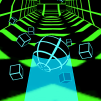
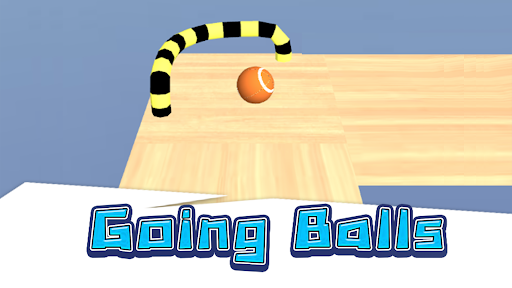
Going Balls 3D is an arcade game where you control a rolling ball across suspended tracks. The direction and force of your drag determine how the ball moves.
This game has two main objectives:
The tracks in Going Balls 3D are suspended in the air, making keeping the ball within safe limits a crucial part of the gameplay. If the ball falls off, you'll have to start over until you can control the ball to reach the finish line and advance to the next level.
In addition to completing levels, players can also control the ball to pass through coins placed along the track. This creates an additional objective during the journey.
To collect the coins accurately, you need to drag the ball in the right direction instead of just rolling straight ahead. A precise maneuver will help the ball reach the item while maintaining a safe position on the track.
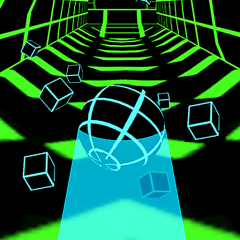
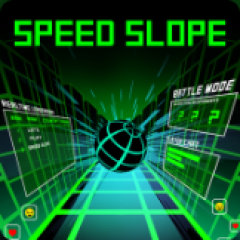
This game has a completely different ball control mechanism compared to Speed Slope. To conquer the many levels in this game, you need to understand the ball control mechanism and the following controls:
The distinctive feature of Going Balls 3D lies in how players create the ball's movement. You simply press and hold the mouse on the ball, then drag it in the desired direction. When you release the mouse, the ball will roll in the direction and with the force you applied.
A light drag will create a shorter and slower movement, while a strong drag can make the ball roll faster and further. Therefore, players not only need to determine the direction but also control the amount of drag to move the ball to the correct position.
This mechanism means that each mouse action directly affects the ball's trajectory. A drag that is too strong can send the ball too far, while insufficient force will prevent the ball from reaching the desired position.
The controls in Going Balls 3D are quite simple:
Move the mouse cursor to the ball.
Click and hold the mouse button.
Drag in the direction you want the ball to move.
Adjust the drag distance to create the appropriate force.
Release the mouse button to start the ball rolling.
It's important that the drag direction and force are appropriate for the situation on the track. When the ball is in the middle of a wide section of track, you can drag harder to move forward quickly. Conversely, in narrow areas or near the edge of the track, a lighter drag will help control the ball better.